
< Background >

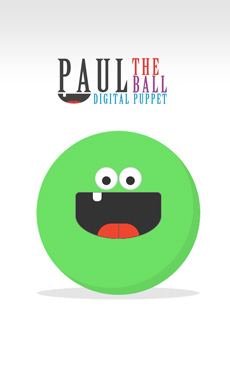
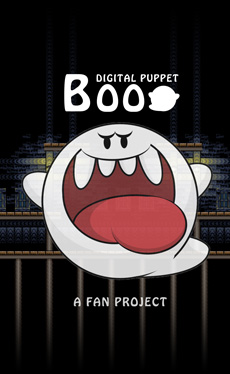
Paul the Ball was my first attempt at a digital puppet, and really just an exercise for myself to see what could be possible.  My kids enjoyed just making silly faces and giving him a voice.  This experience eventually gave way to a few iterations of digital puppets I now use for my Halloween haunts, most notably "Boo" from the Super Mario video games.

< /Background >

< Credits >

This project would not of been possible without the awesomeness of open source code, royalty free assets, and the willingness of their creators to share their work online. 

The following assets were used as a foundation for this project:

< /Credits >

How to Play

Paul the Ball is keyboard controlled:

See Paul Look

"W" = Look Up
"Q" = Look Up Left
"E" = Look Up Right
"X" = Look Down
"Z" = Look Down Left
"C" = Look Down Right
"A"= Look Left
"D" = Look Right

See Paul Emote

"S" = Cross Eyes
"V" = Meh Paul
"B" = Make Paul Talk
"N" = Happy Paul
"M" = Grumpy Paul
"G" = Surprised Paul

See Paul Change Colour

Use the mouse to click on Paul's belly or eyeballs, and use the colour picker to change his colours!  Paul is colourful!

  • This game is designed to work on desktop computers only. 
  • This game can be played with keyboard and mouse.
  • Using third party software, you can map a controller/joystick to a keyboard for a game controller interface.
  • There is no way to control Paul using a touch screen interface.
  • The game UI is also not optimized for mobile resolutions.

< My Other Projects >

< /My Other Projects >